

Description
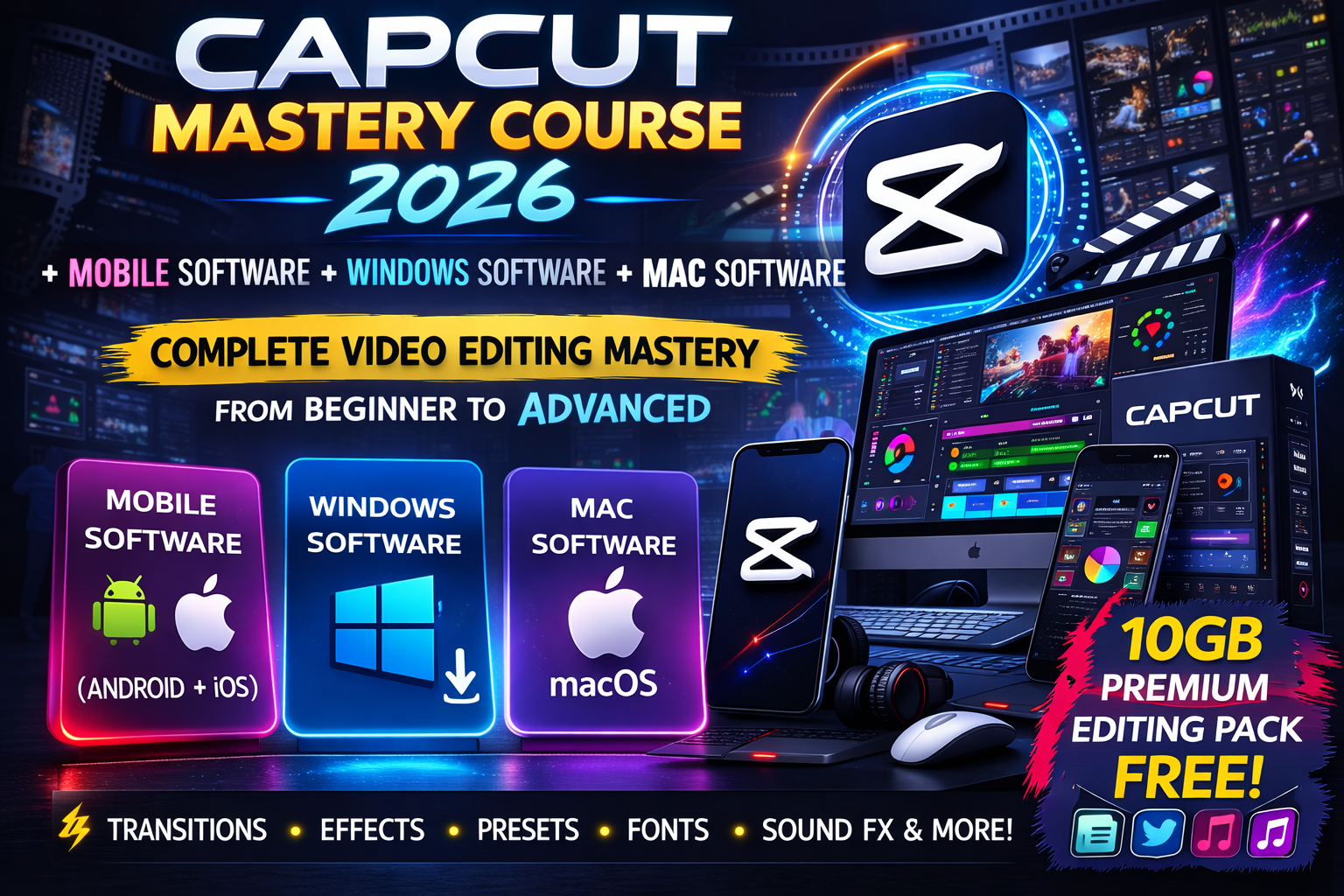
🎬 CapCut Mastery Course 2026
Complete Video Editing Course + Software Bundle
If you want to learn professional video editing using CapCut, this course is designed for you.
The CapCut Mastery Course 2026 will teach you how to edit videos like a professional — from basic editing to advanced cinematic effects.
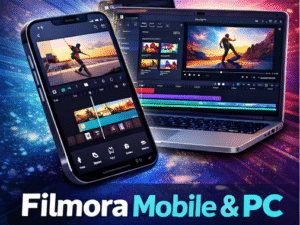
Along with the course, you will also receive CapCut software versions for Mobile, Windows, and Mac, so you can start editing immediately on any device.
🚀 What You Will Learn
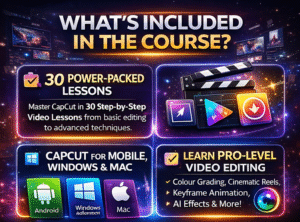
Inside this course you will learn:
✔ Professional Video Editing
✔ Cinematic Reels Creation
✔ Advanced Colour Grading
✔ Keyframe Animations
✔ Masking Techniques
✔ Speed Ramp Editing
✔ Typography & Text Effects
✔ Auto Captions
✔ AI Voice Effects
✔ Video Enhancement & Stabilization
✔ Sound Effects Editing
✔ Lyrical Reels Creation
By the end of this course, you will be able to create high-quality reels, YouTube videos, and social media content.
📚 Complete Course Curriculum (30 Lessons)
This course includes 30 detailed step-by-step sessions:
• Introduction to the Course
• Installing CapCut Software
• Understanding the CapCut Interface
• Creating Your First Project
• Object Animation
• Masking Tool
• Keyframe Tool
• Sound Effects Editing
• Compound Clips
• Keyframe + Compound Animation
• CapCut Templates
• Typography & Colour Correction
• Colour Sense Development
• Text Highlight Effects
• Professional Animation
• Advanced Colour Grading
• Cinematic Reels Creation
• Creating Assets using Canva
• Video Enhancement & Stabilization
• Drop Effect
• Speed Ramp Editing
• Lyrical Reels Creation
• Auto Captions
• AI Voice & 3D UI Design
• Motion Design Techniques
…and more advanced techniques.
🎁 Bonuses Included
🎁 10GB Premium Editing Pack (FREE)
You will receive a premium editing resource pack including:
✨ Transitions
✨ Effects
✨ Presets
✨ Fonts
✨ Sound Effects
✨ Editing Assets
These resources help you create high-quality professional edits faster.
💻 Software Included
With this course, you will also receive CapCut software versions for multiple devices:
📱 Mobile Software (Android & iPhone)
💻 Windows Software
🍎 Mac Software
So you can edit videos on any device you prefer.
👨💻 Who This Course Is For
This course is perfect for:
✔ Content Creators
✔ YouTubers
✔ Instagram Reel Creators
✔ Freelance Video Editors
✔ Social Media Managers
✔ Beginners who want to learn video editing
Even if you have zero editing experience, this course will guide you step-by-step.
⚡ Start Your Video Editing Journey Today
Learn professional video editing skills and start creating high-quality content for social media, YouTube, and clients.
🎬 Enroll now and master CapCut in 2026.

Reviews
There are no reviews yet.